Welcome to TrailVidz
Please read the whole page
Thanks for your subscription!
You have been added to the map access list.
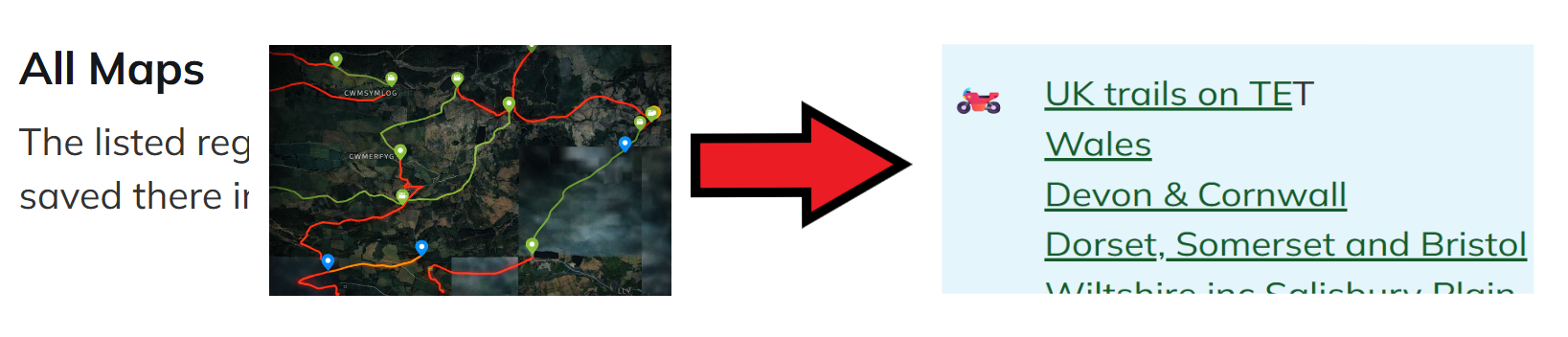
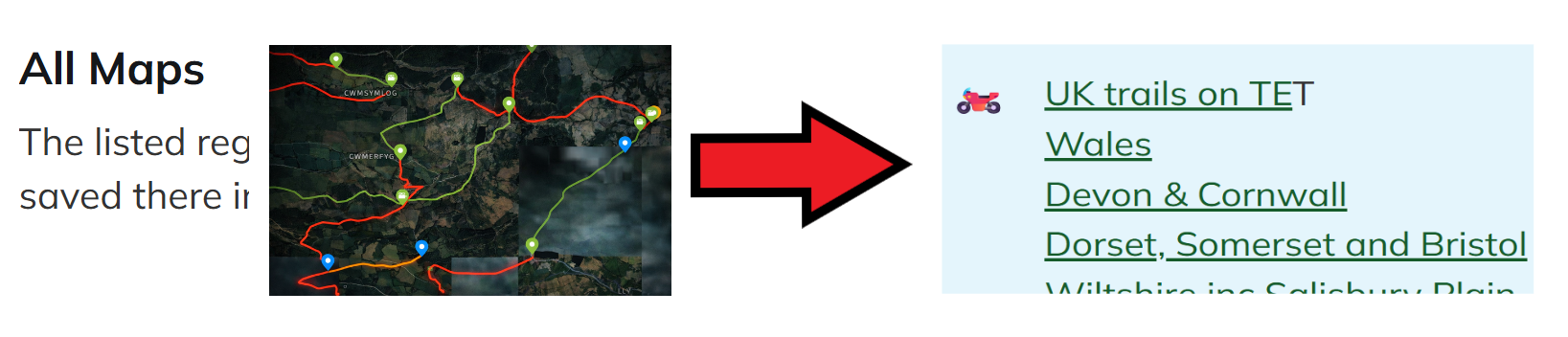
To get started, go to the TrailVidz homepage. Once logged in, scroll down to All Maps. Click a map link.
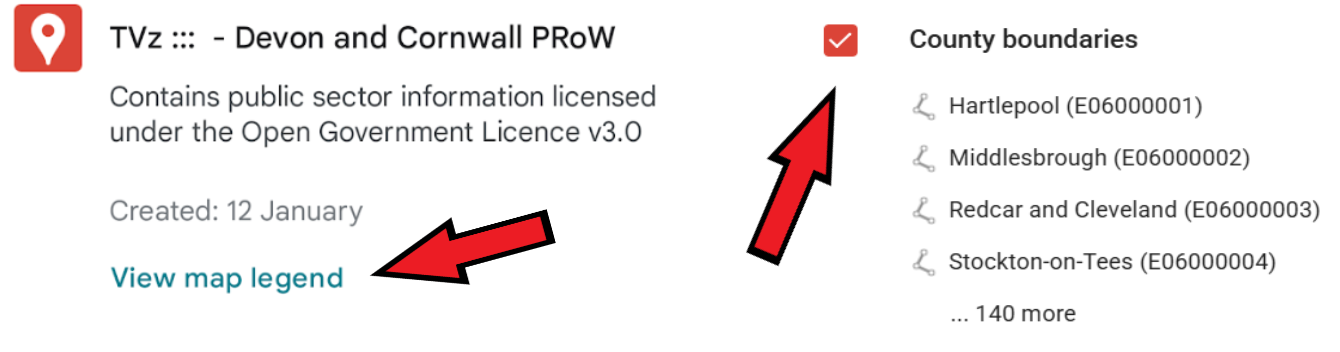
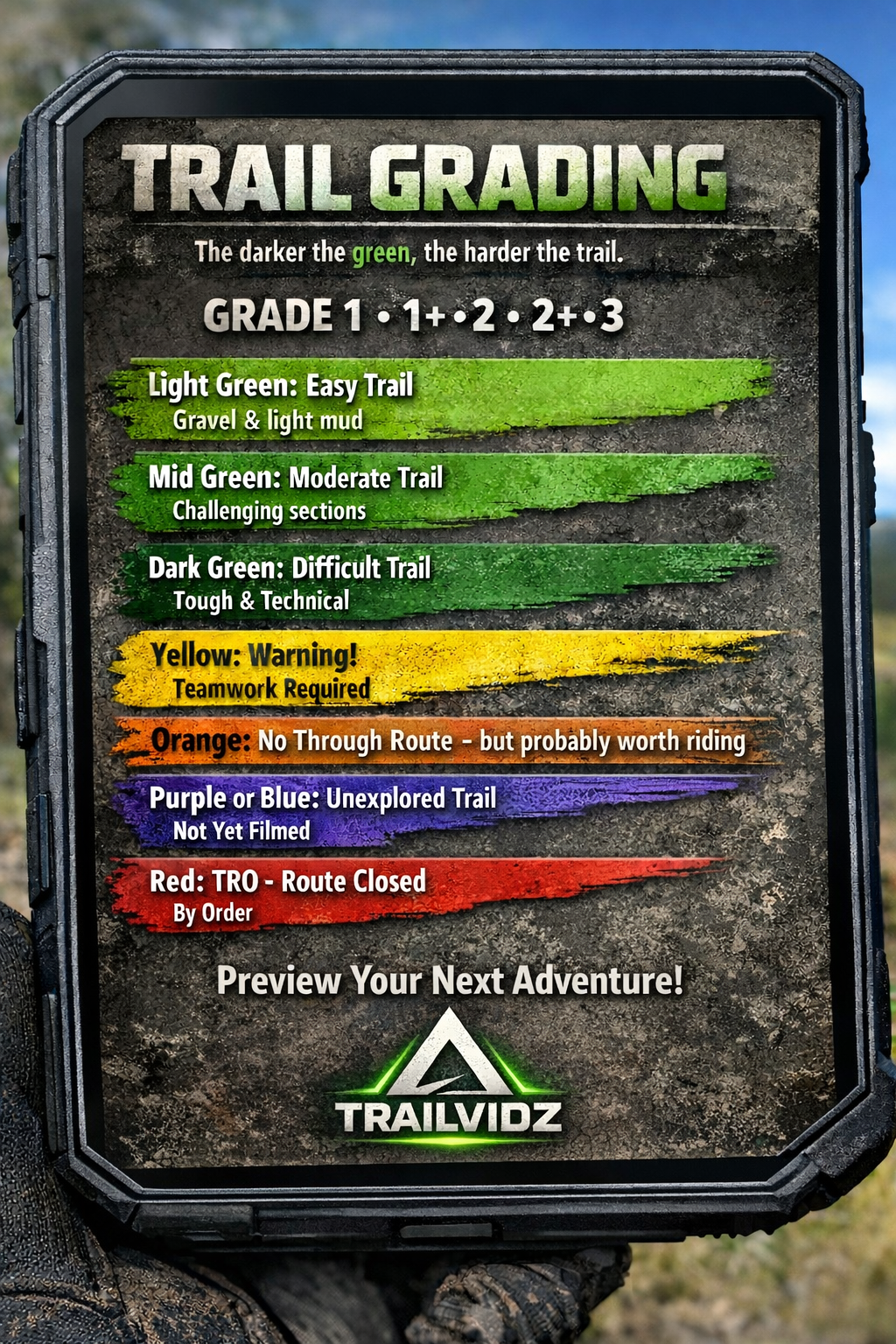
Select relevant layers in View map legend; check/uncheck each one.
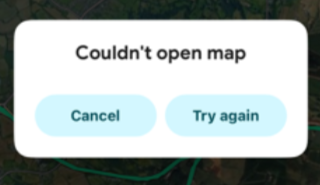
Can't see maps?
-Check your browser ID is your signup email.
-Check Googlemaps is your default map.
-Do check the troubleshooting notes in the Members Area then email us if needed.
Googlemaps history
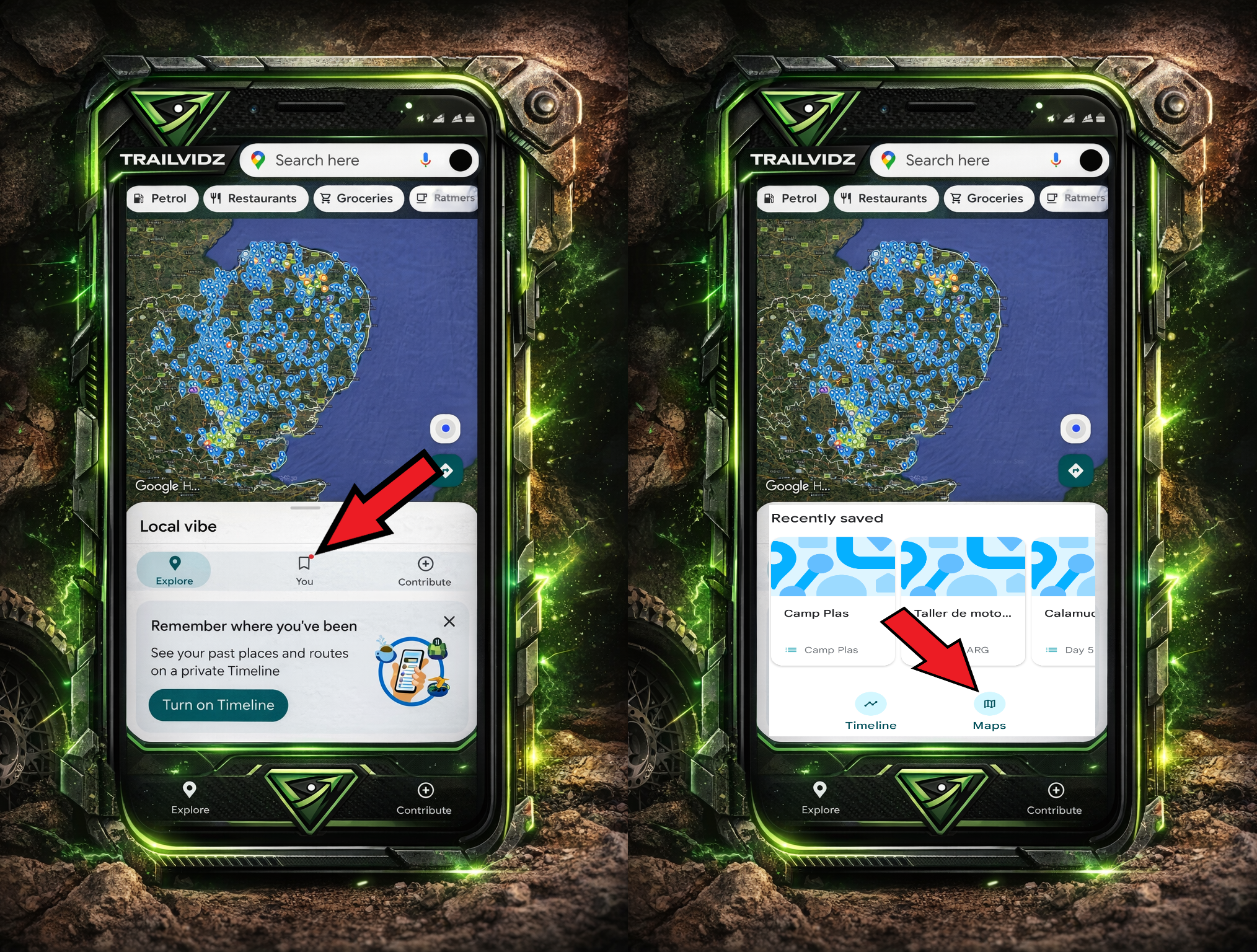
Each map you view goes into the Googlemaps ‘You’ tab. Go there and press 'Maps'.
You can go straight there every time instead of logging into the website. Add a new map simply by viewing it on the website.
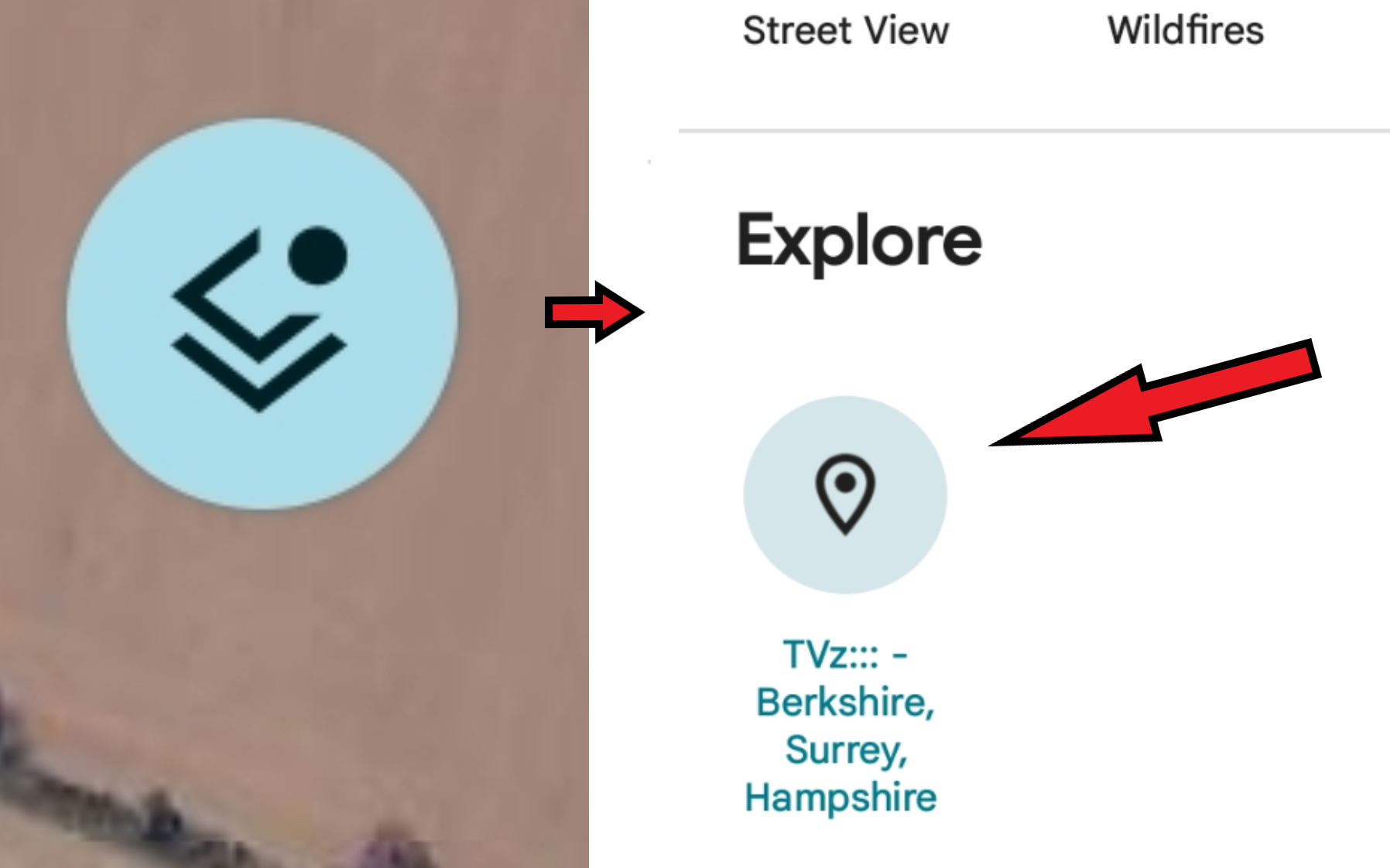
Turn off the trail map layer
In Google maps, simply tap the layers button, then tap the named map to clear it.
GPX creation
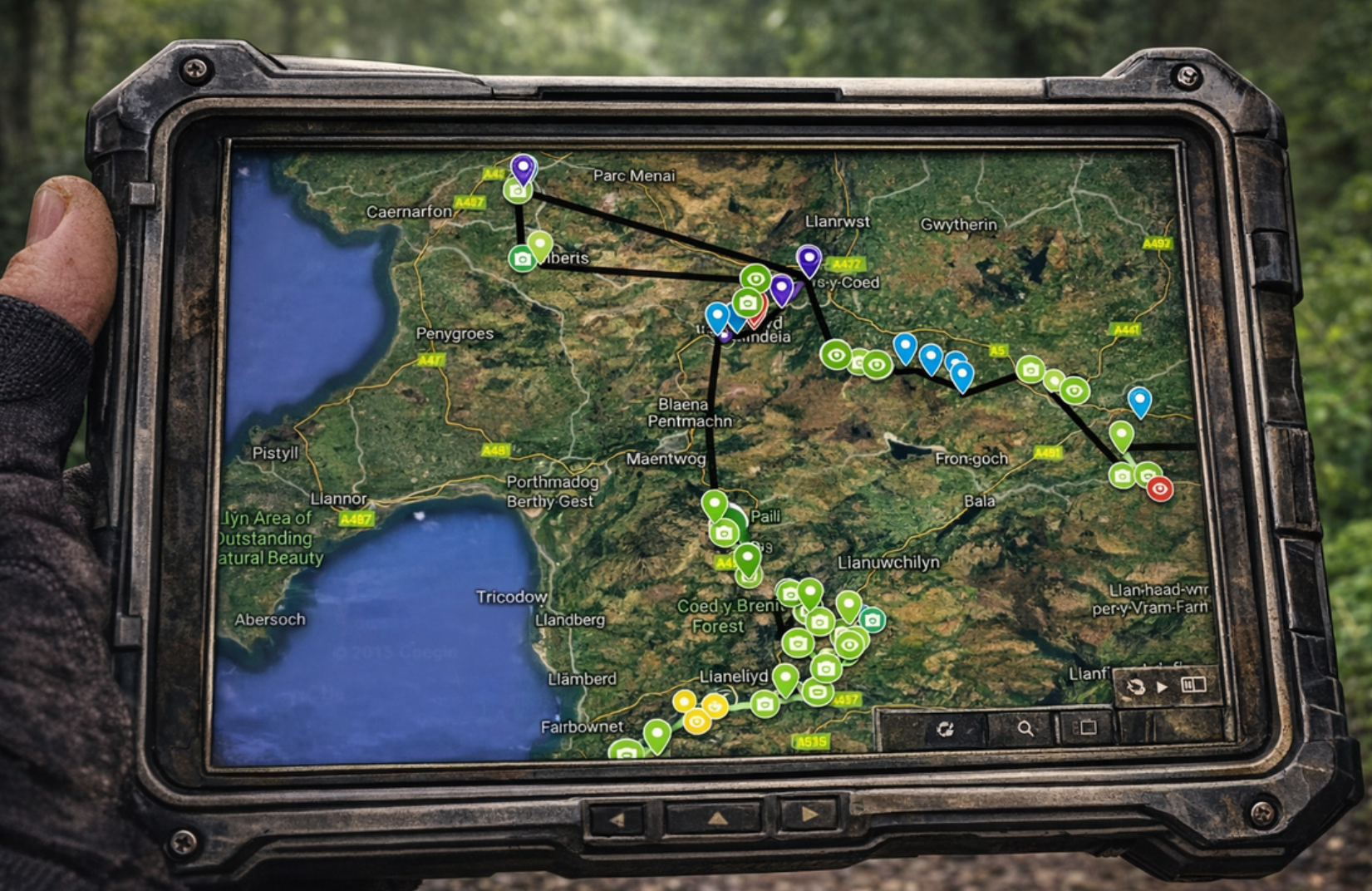
You can make a GPX route using the GPS data in the map pins. See the GPX menu on the website.
Report a problem on the trail
Use the button in the article on the front page of the website to tell us about issues on the trail and we will report them, update the map and keep you informed.
TrailCapture
Remember: if you want to get involved filming as a member of the TrailCapture team, we will pay your petrol for the day.
Top priority in 2026 is to capture any unfilmed section of legal trail. Footage should record from start to finish, whatever the difficulty level and whatever the weather. We'll edit out the bloopers and swearing! Email for a full guide to what we are looking for.
Contributors will be invited to a camping and trail riding weekend event later in the year.
Facebook page and discussion group
Enjoy the trails!