Preview your next adventure
TrailVidz maps
Legal lanes and byways
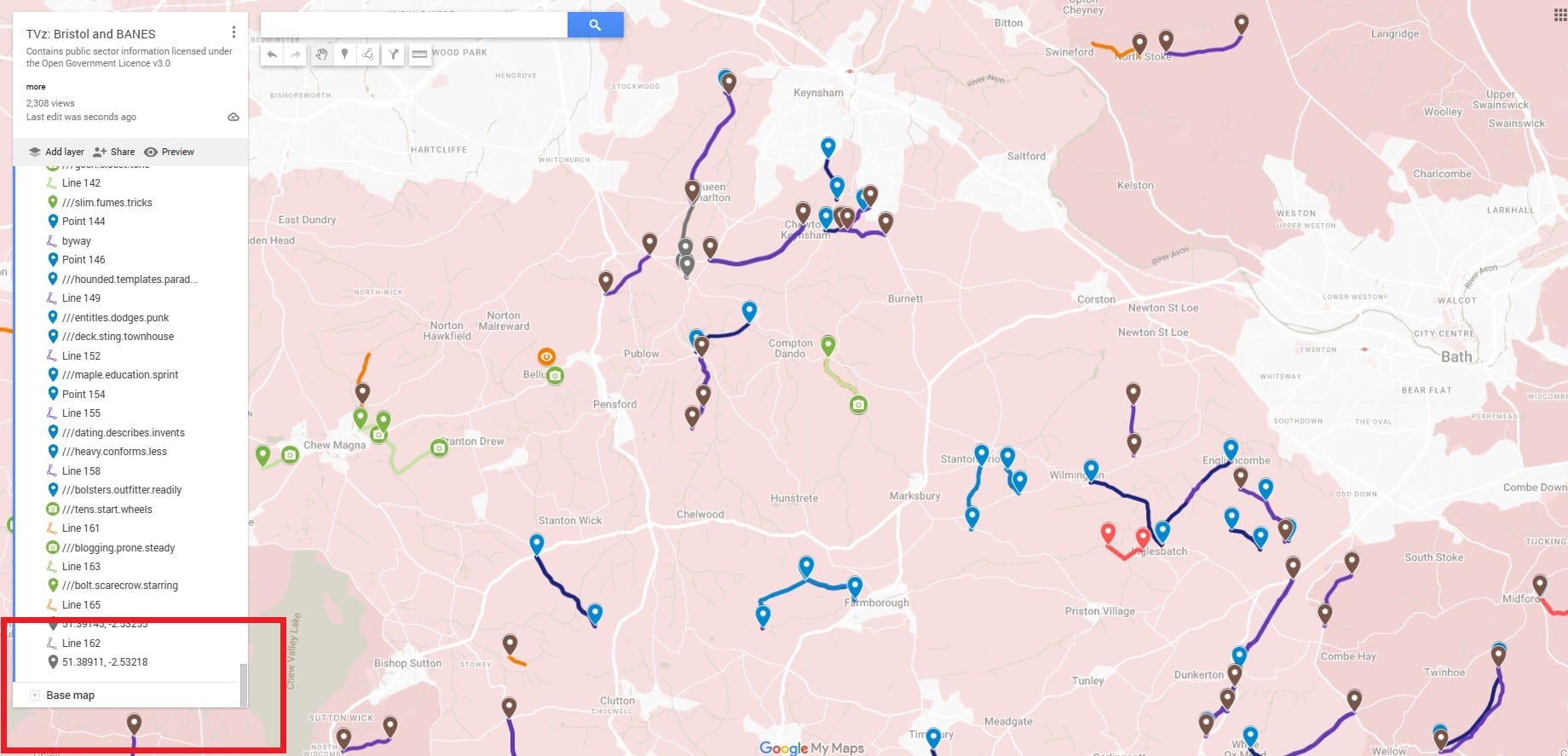
Each trail entrance has a navigation pin
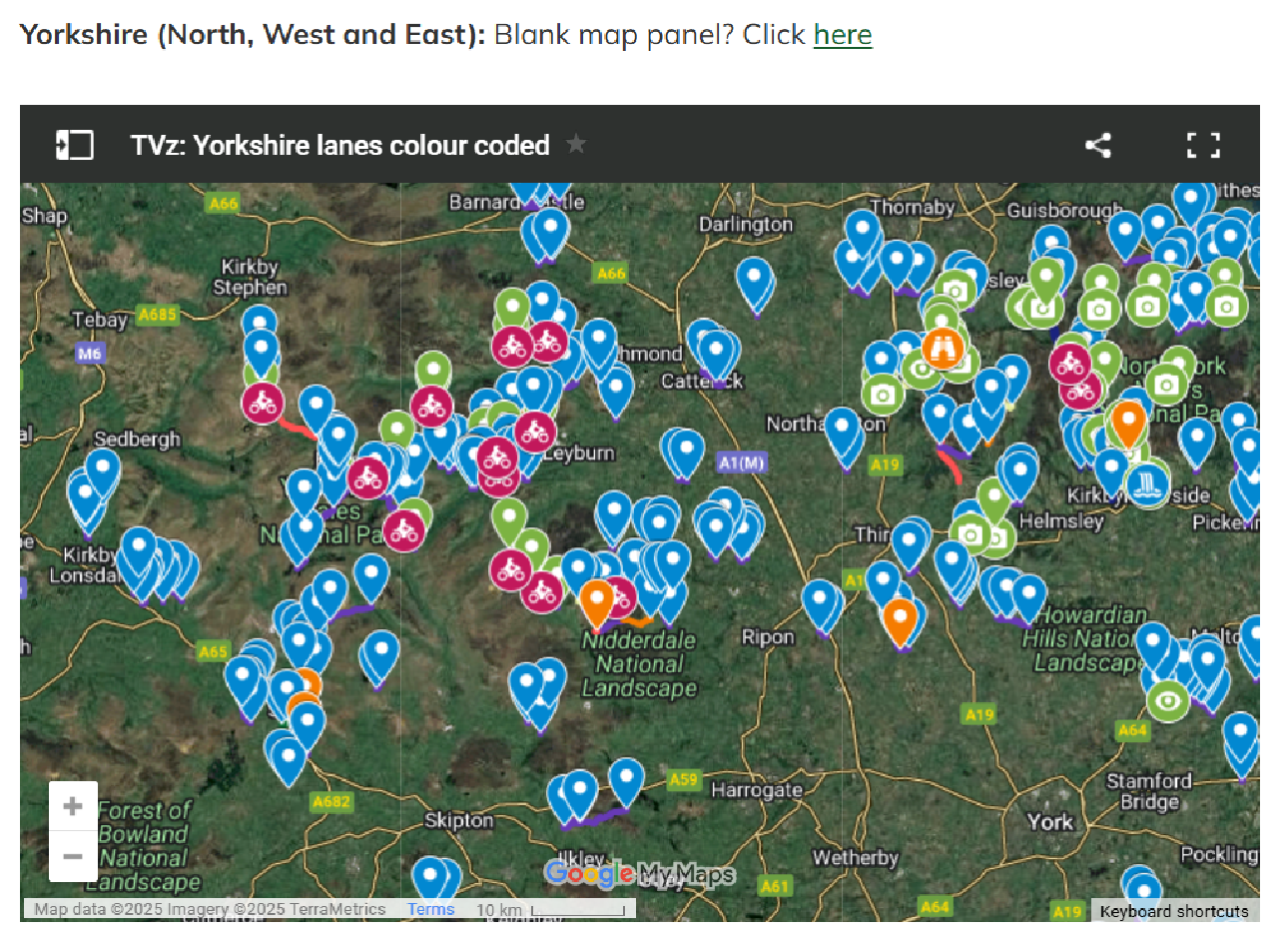
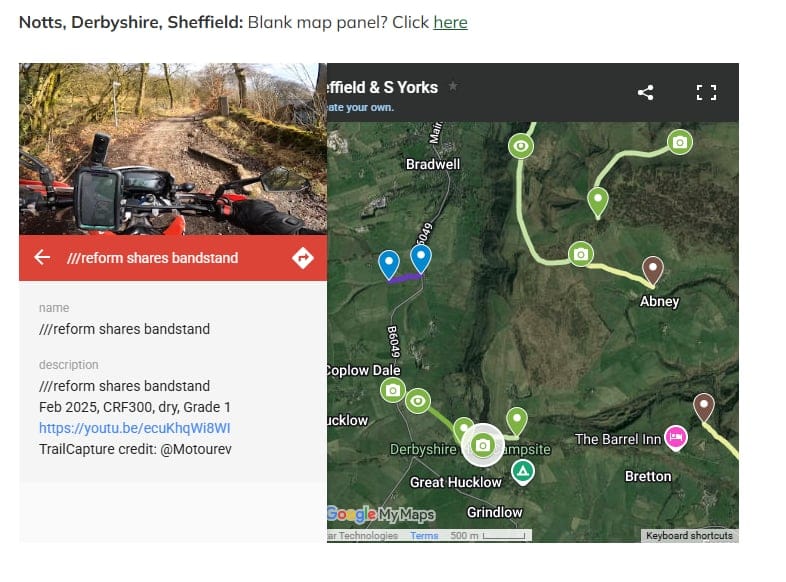
Each green camera pin has a photo of the entrance, notes, a grade and a video hyperlink.
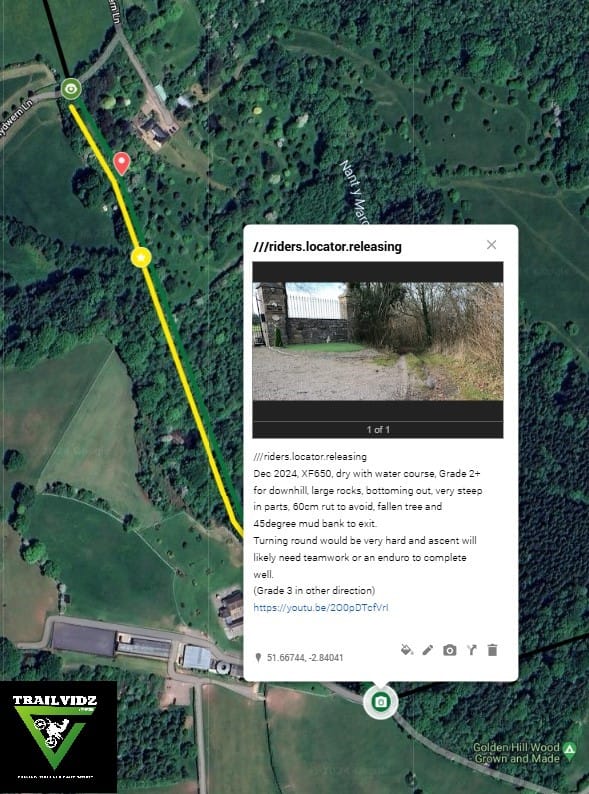
Tap any pin, hit 'Navigate' and Googlemaps will take you there.
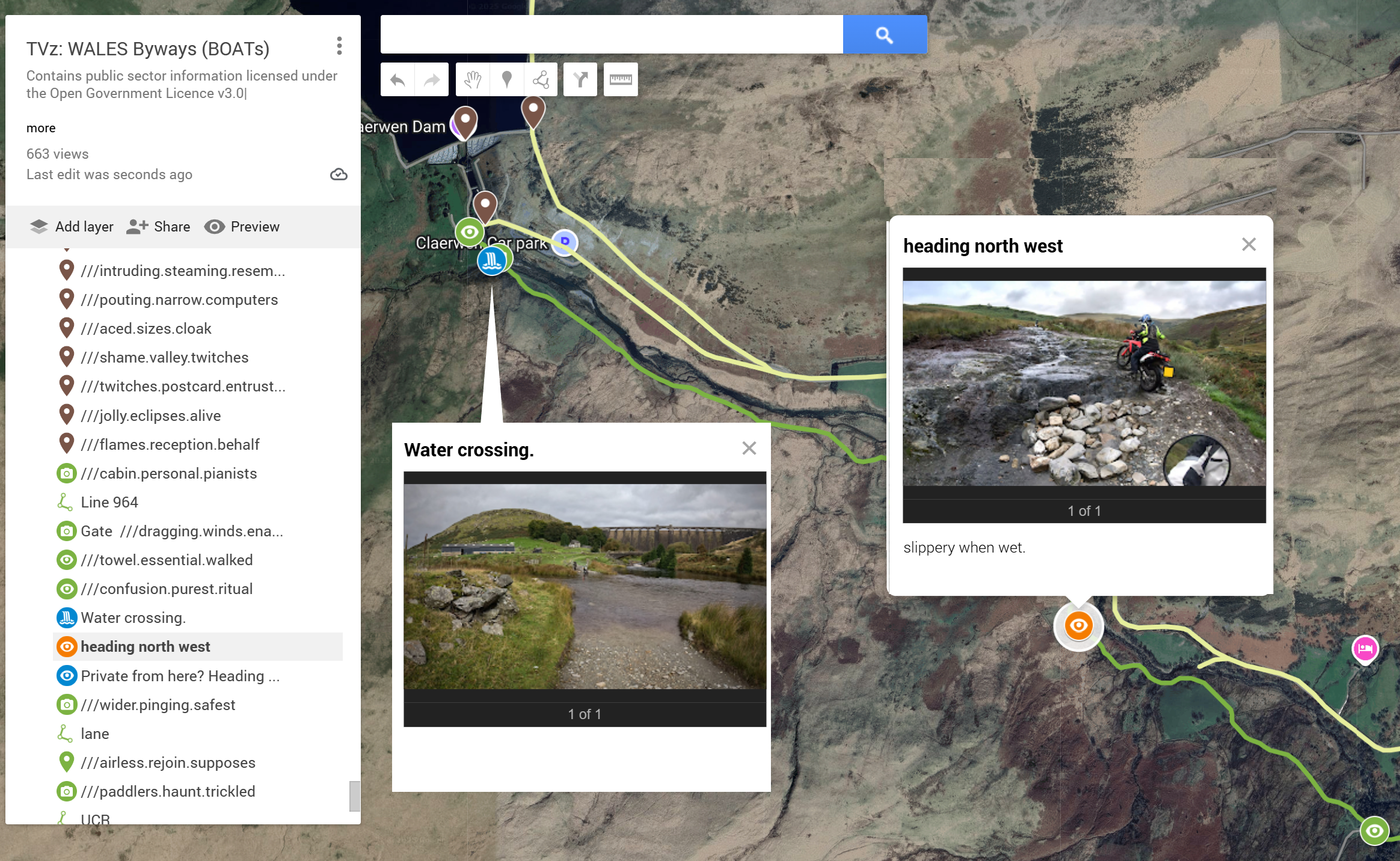
Trail hazards are noted- mainly water crossings and rocky bits!
Use satellite map details to see woodland and terrain, or a colour theme you prefer.
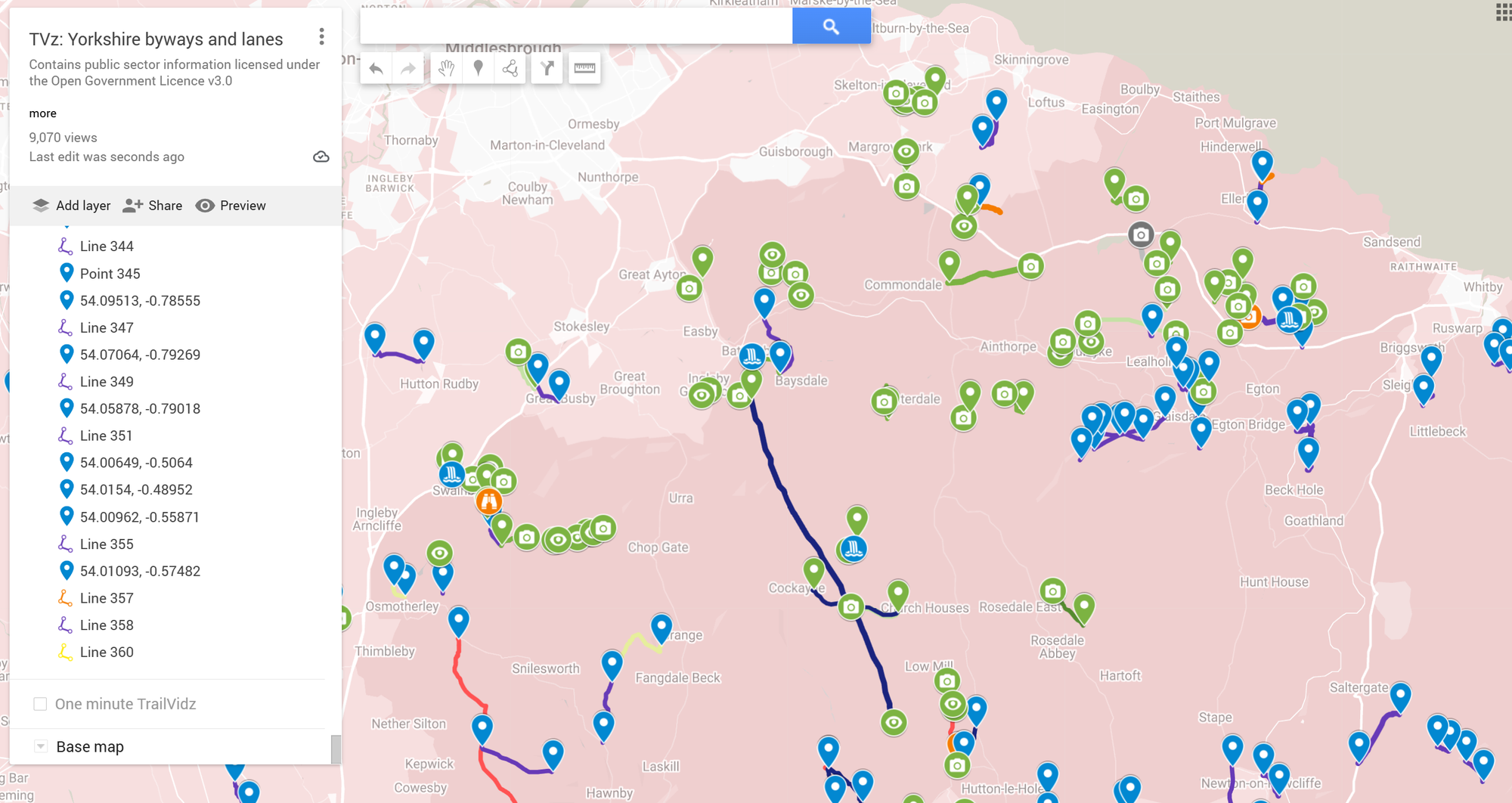
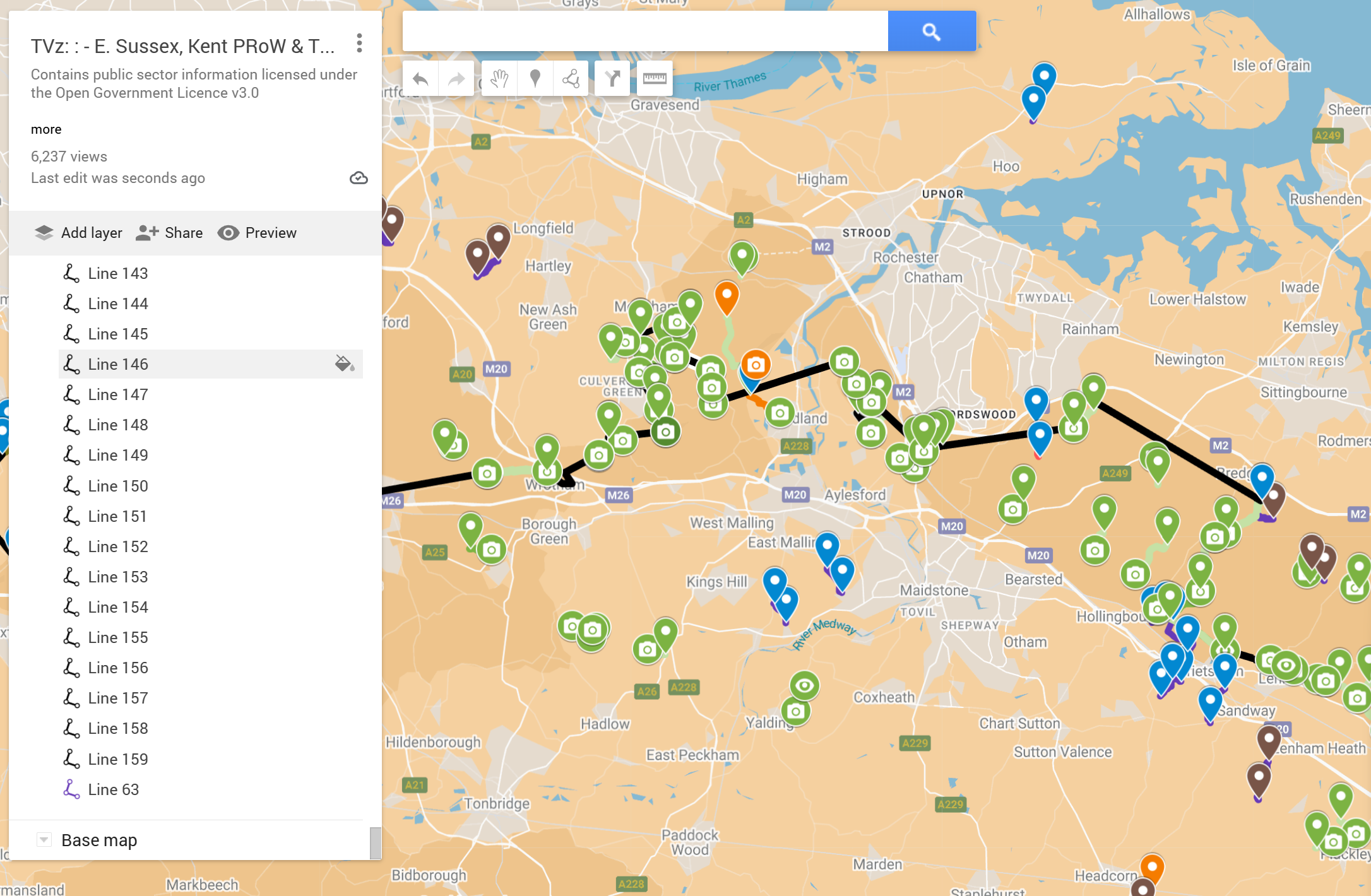
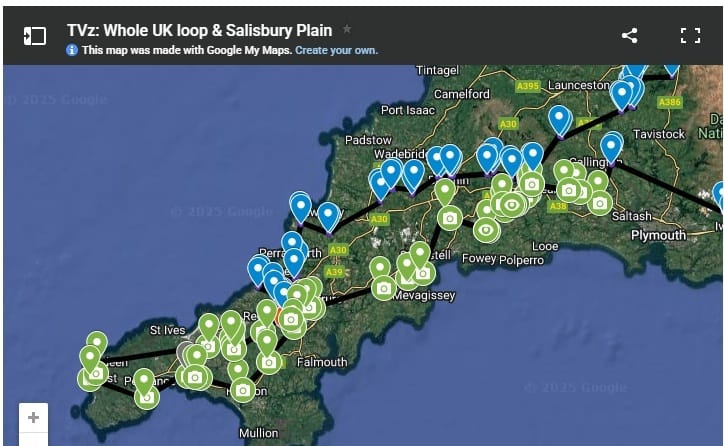
It's no secret that there are some amazing lanes and byways out there. It's public information. But you never know what you're letting yourself in for. Deep ruts, rocky climbs, muddy water crossings...
TrailVidz is a visual dictionary of the UK's legal trails. This route reference resource is curated using county council definitive maps, contributor routes and GPX files, local knowledge and well known established trail routes, with video footage taken by a growing TrailCapture team.
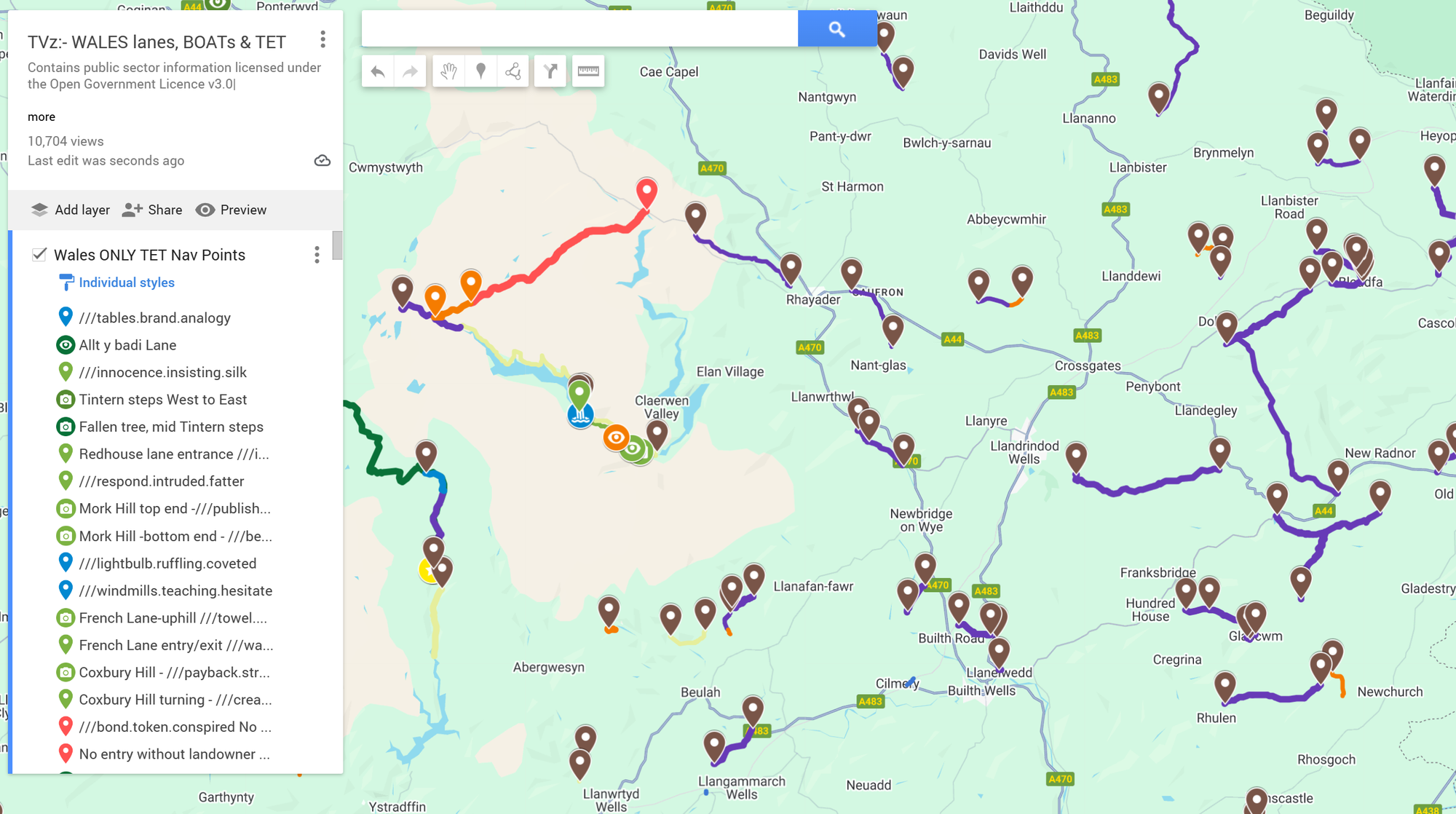
Here is an example extract from the map for North West Wales.
Use the layers tab to tick relevant info, click a camera icon for video links, or navigate to the pin.

All green routes are off-tarmac trails with at least one visual reference uploaded. Click the trail's camera icon for info, pics and video links. Eye icons contain still pics. All trail entry/exits have a map pin with a W3W name for easy naming plus GPS co-ords for use in the GPX creator.
Grading
This is based on the footage in the conditions on the day.
The darker the green, the harder the trail.
Grade 1, 1+, 2, 2+, 3
Each grade can be modified with + or - for your situation.
Compared to the clip, if you are on a heavier bike, add a half grade. With newbie experience, add another half.
Light green is Grade 1. Off-tarmac surfaces like gravel or light mud with moderate or no inclines, all of which should be accessible by all riders.
Mid green is Grade 1+ or 2, and contains terrain which will present a challenge to heavier bikes or the solo traveller without extra help if things get horizontal.
Dark green is 2+ or 3; a route which contains elements of challenge which will really test a new rider or a heavy bike. Enduro riders will probably be ok.
Yellow is a warning! These routes could present serious problems to the solo rider and will likely need teamwork or an enduro to complete.
Orange is a no through route but might be worth riding still.
Some routes are harder in the opposite direction. This is reflected by two coloured lines denoting the difficulty in each direction of the trail, with notes and pictures to explain.
Purple or blue routes are trails we haven't filmed yet.
Red trails are closed by temporary TRO (Traffic Regulation Order). Permanent TRO are mostly not even depicted since they can never be ridden.
There are no prescribed routes between trails. A GPX creation process allows you to make your own routes using the navigation pins' GPS co-ords in a route which avoids or takes in the trails you choose to prioritize.
The maps are best viewed on a desktop monitor. They are intended as reference material for planning and preparation, not for use in the field, however if you tap to fill the screen, you can use Googlemaps to navigate to the start or end of any given route. Therefore, if you have to turn around or want to skip a trail, it's easy to route to the next one.
Change the 'Base Map' colour scheme if it helps to better see the marked trails.
Join here
Use a GMail address for best results
Private email domains and iCloud addresses might block your access.