GPX Editor
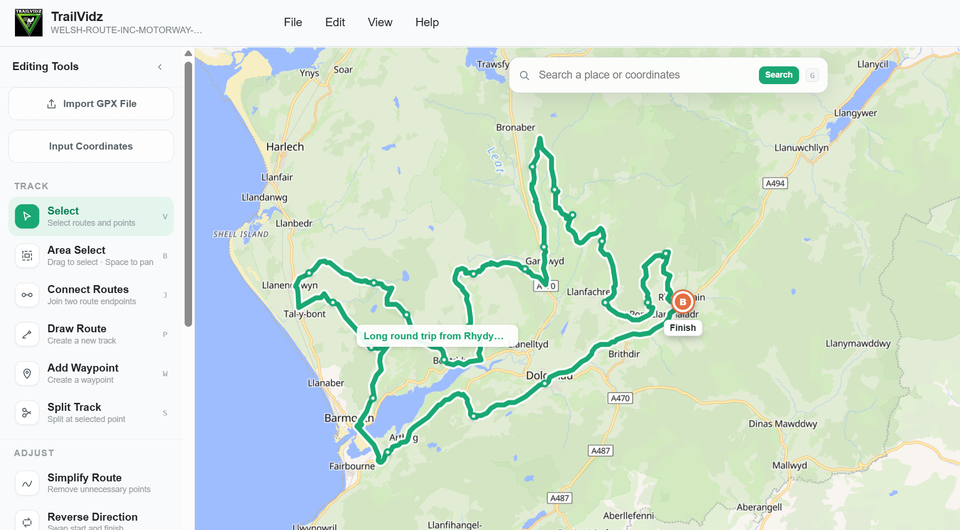
Practice editing a GPX file
Download the sample GPX below.
Use TrailVidz GPX-Hub to Open, Edit and Save pre-existing GPX files.
Detailed instructions here
Note: this editor is intended for use on a desktop computer.
💡
File/Open GPX
Click 'Simplify Route'
Click 'Select'
Edit the points
Save
Click 'Simplify Route'
Click 'Select'
Edit the points
Save
How to use TrailVidz GPS data to make a GPX file? Click here